Put the phone down.
We'll hold your apps.
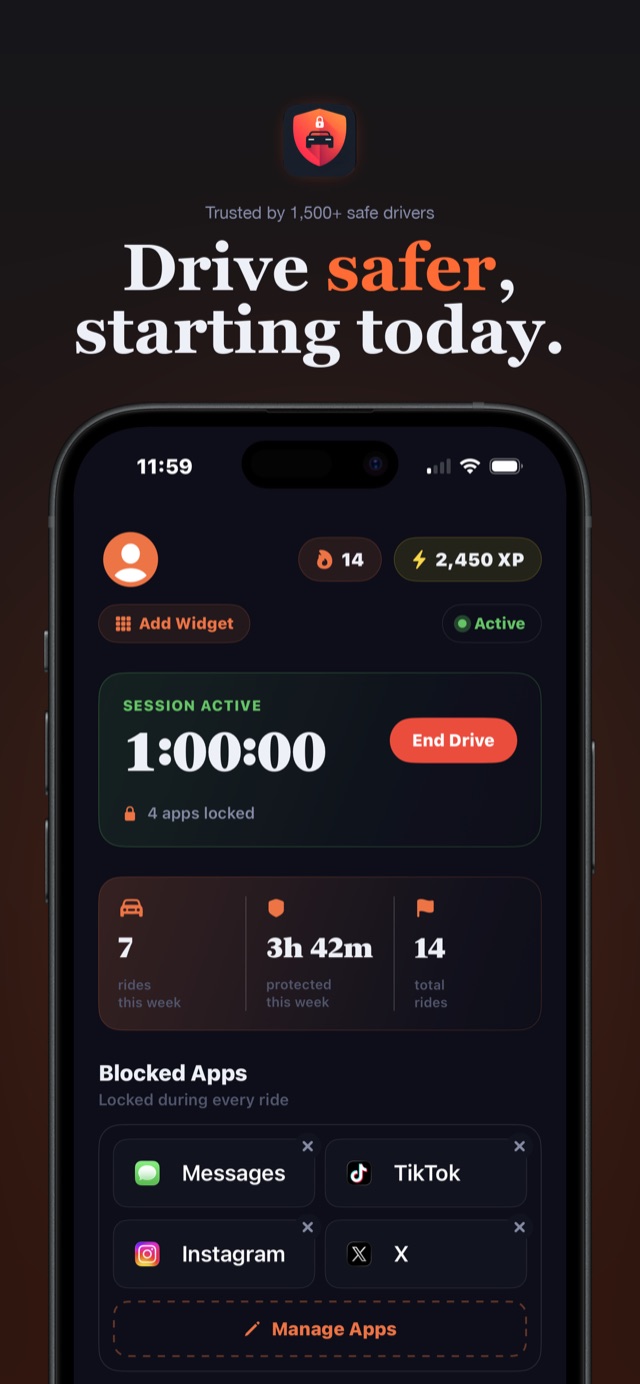
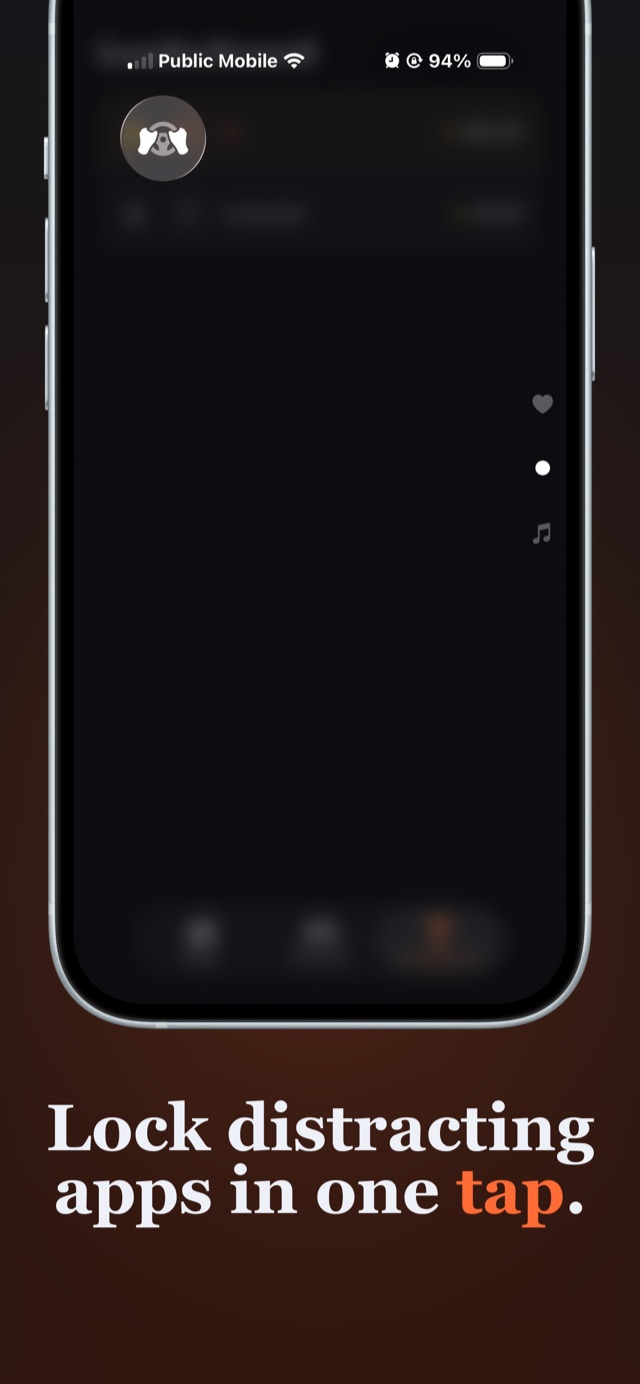
One tap in Control Center locks Instagram, TikTok, Messages, or any app you choose, until you arrive. Enforced by Apple Screen Time, so there are no loopholes. No GPS. No willpower required.

FREE ON iPHONE · NO ACCOUNT · NO LOCATION TRACKING
people killed in distracted-driving crashes in a single year in the US.
NATIONAL HIGHWAY TRAFFIC SAFETY ADMINISTRATION (NHTSA)
The app
Built to be boring while you drive.
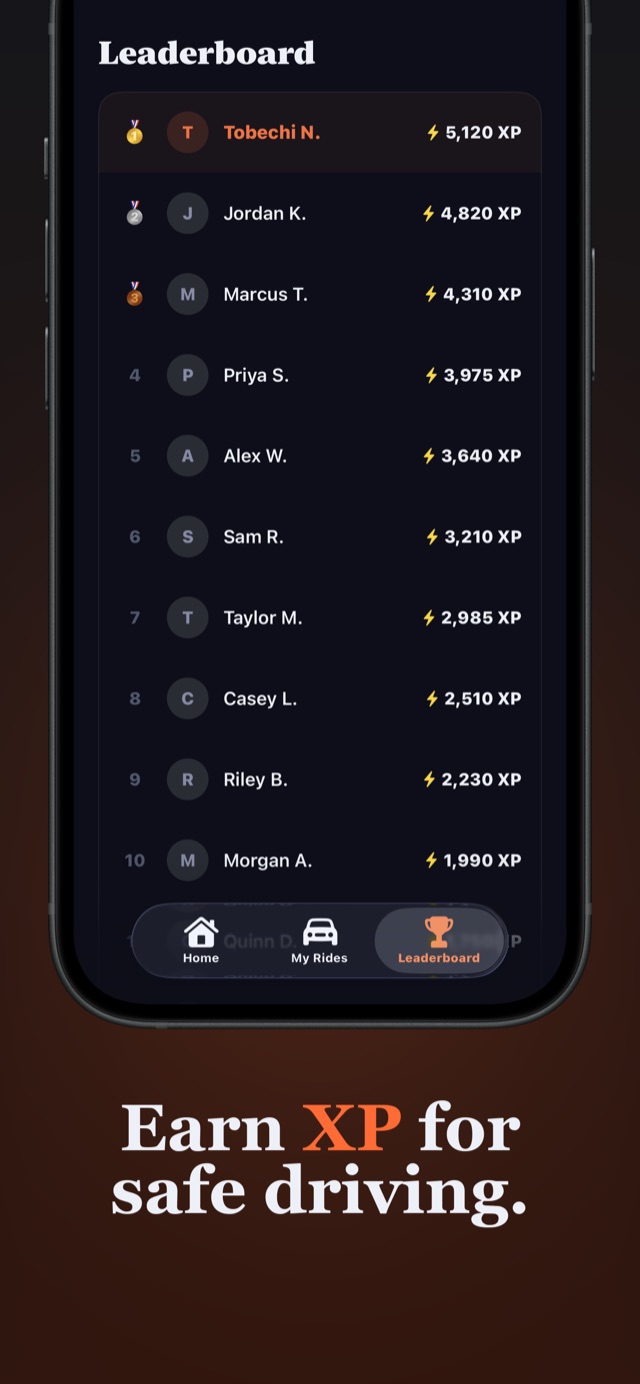
That's the point. Start a session, and the apps you chose go dark until you're parked. Everything else about the app is designed to keep you coming back: streaks, XP, a global leaderboard of safe drivers.
How it works
Three steps. Zero willpower.
Pick your poison
Choose the apps that pull your eyes off the road: Instagram, TikTok, Snapchat, Messages, games. Block single apps free, or whole categories with Pro.
Tap before you drive
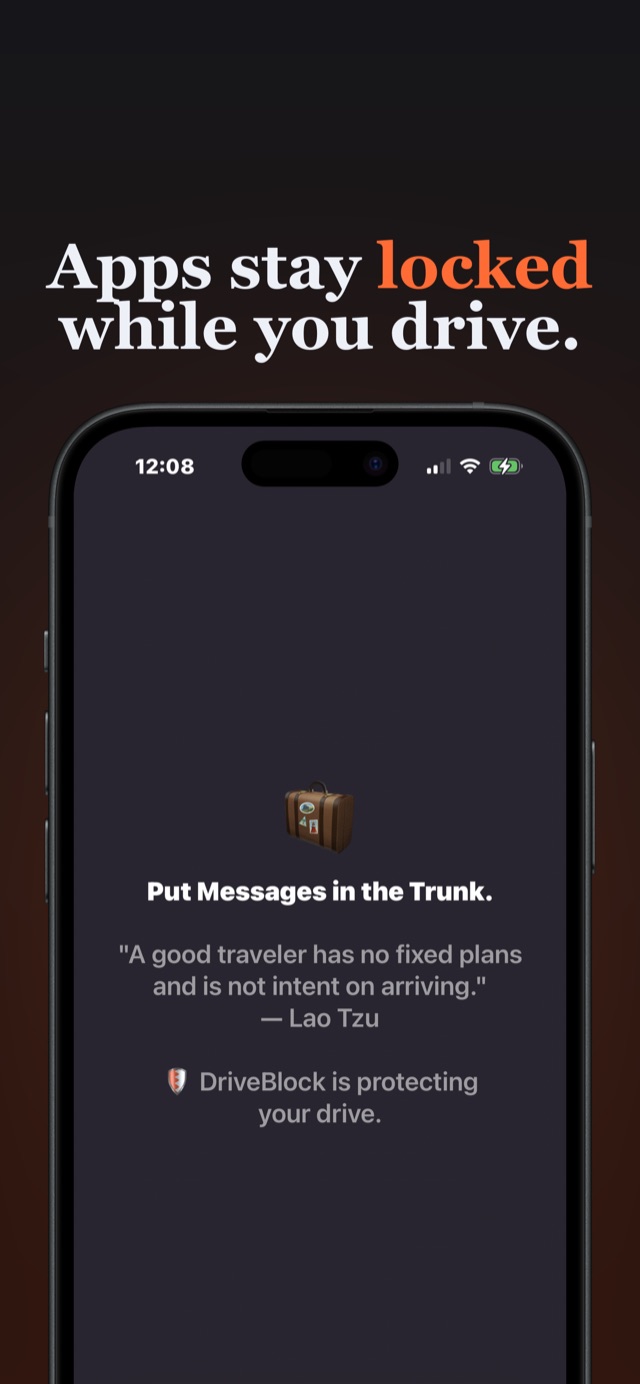
Swipe down, tap DriveBlock in Control Center, put the car in gear. Your chosen apps lock instantly, enforced by iOS Screen Time, not a dismissible reminder.
Arrive. Unlock. Repeat.
Tap again when you're parked and everything unlocks. You earn 1 XP per protected minute, your streak grows, and the reach-for-the-phone reflex quietly dies.
Guides
Whatever brought you here,
there's a guide for it.
How to Block Apps While Driving on iPhone
The complete setup: pick your blocklist, add the Control Center toggle, and lock apps in one tap.
Read the guide → HabitsHow to Stop Texting and Driving for Good
Why willpower fails at 60 mph, and the one-tap system that breaks the reflex instead.
Read the guide → iOS explainedDoes Do Not Disturb While Driving Block Apps?
Short answer: no. What Apple's Driving Focus actually does, and how to add the missing lock.
Read the guide → Social mediaBlock Instagram & TikTok While Driving
Social apps are engineered to pull you in. Lock them all with one tap, or the whole category at once.
Read the guide → For parentsThe App Blocker Every Teen Driver Needs
Set it up before their first solo drive: what to block, how to talk about it, and the Family Plan.
Read the guide → iOS explainedUsing Screen Time to Block Apps While Driving
Screen Time can hard-block apps, but it wasn't built for drives. Here's the DIY way and the one-tap way.
Read the guide → ComparisonBest Apps to Prevent Distracted Driving (2026)
Auto-detect vs one-tap, free vs paid, tracking vs private: an honest comparison of your options.
Read the guide → PrivacyA Safe-Driving App That Doesn't Track You
Most driving apps run on GPS surveillance. DriveBlock works without knowing where you are.
Read the guide →FAQ
Asked before every first drive.
Is there an app to block apps while driving on iPhone?
Yes. DriveBlock is a free iPhone app built exactly for this. You choose which apps to block (Instagram, TikTok, Snapchat, Messages, or anything else), then tap once in Control Center before you drive. Those apps lock instantly and stay locked until you end the session. Blocks are enforced by Apple's Screen Time API at the system level, so they can't be swiped away like a notification.
LEARN MORE →Does Do Not Disturb While Driving block apps?
No. Apple's Driving Focus (Do Not Disturb While Driving) silences notifications, but every app on your phone remains fully openable: nothing is actually locked. If the habit you're fighting is opening apps at red lights, you need an app blocker. DriveBlock adds the missing layer: a real Screen Time-enforced lock on the specific apps you choose, started with one tap.
LEARN MORE →How do I stop texting and driving?
Willpower fails because the reach for your phone is a reflex, not a decision. The reliable fix is removing the option: lock the apps before you drive so the reflex has nothing to grab. With DriveBlock, one tap in Control Center locks Messages and any other app you choose until you arrive, and streaks plus XP make the new habit stick.
LEARN MORE →Does DriveBlock track my location or drain my battery?
No. DriveBlock does not use GPS, does not track your location, and does not run motion detection in the background. Unlike auto-detect driving apps that constantly monitor sensors, DriveBlock only acts when you tap, so there is no battery drain and no surveillance. Your drive history stays on your device.
LEARN MORE →Can parents use DriveBlock for a teen driver?
Yes. Set up DriveBlock on your teen's iPhone before their first solo drive: pick the apps to block during setup, and every session locks those apps until they're parked. The Family Plan covers up to 5 family members, each with independent controls.
LEARN MORE →Can I still use maps and calls while apps are blocked?
Yes. DriveBlock only locks the apps you put on your blocklist. Apple Maps, Google Maps, Waze, phone calls, music, and everything else you haven't blocked stay fully available during a drive.
LEARN MORE →What happens if I try to open a blocked app while driving?
You'll see DriveBlock's block screen instead of the app (a calm reminder that the drive is still active), and the app will not open. The block is enforced by iOS Screen Time, the same system parents use for app limits, so there are no loopholes to swipe past.
LEARN MORE →Is DriveBlock free?
Yes: the free plan includes one blocked app of your choice, full drive history and stats, streaks, XP, and the home screen widget. Pro adds unlimited app blocking and the global leaderboard. The Family Plan covers up to 5 members.
LEARN MORE →Your next drive could be the first one without your phone.
Download DriveBlock free, pick the apps that distract you, and tap once before you pull out. That's the whole system.
FREE · iOS 18+ · 5.0★ ON THE APP STORE